
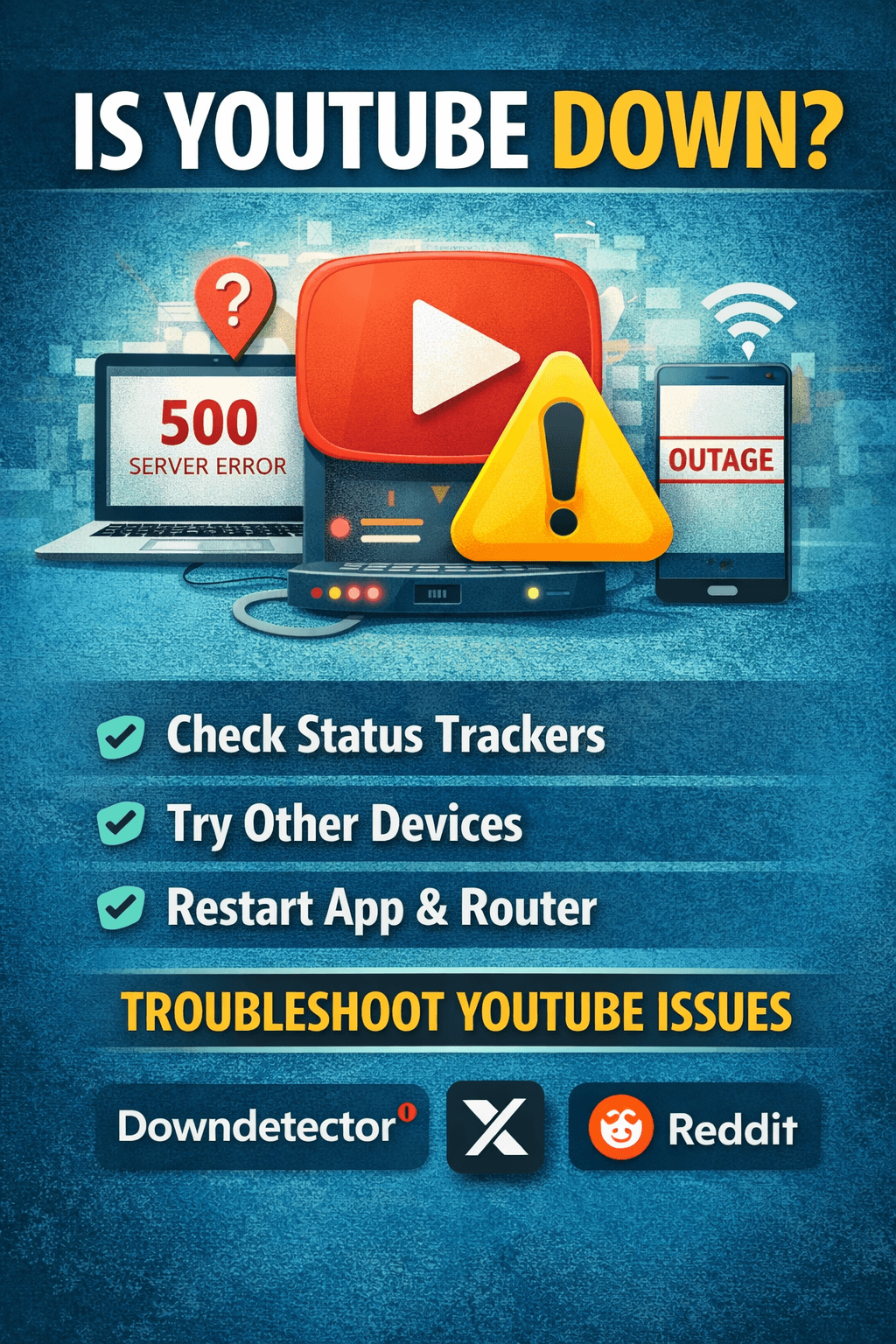
Is YouTube Down Right Now?
If you’re asking “is youtube down”, you’re not alone. Millions of users search this phrase whenever videos fail to load, buffering doesn’t stop, or the platform won’t open. The first thing to know is that outages can be either global or local, meaning the problem could be affecting everyone or just your device or region.
The video platform YouTube, owned by Google, rarely experiences full outages, but temporary disruptions do happen due to server maintenance, technical glitches, or sudden traffic spikes.
How to Check If YouTube Is Down
Before assuming a platform-wide outage, verify the status using these methods:
1. Check Live Status Sites
Websites like:
-
Downdetector
-
IsItDownRightNow
-
Outage.Report
These show real-time reports from users worldwide and can confirm if YouTube is down globally.
2. Search Social Media
Platforms like X or Reddit often show trending posts about outages within minutes. If thousands of users report problems, it’s likely a real outage.
3. Try Multiple Devices
If YouTube works on your phone but not your laptop, the issue is probably local rather than global.
Common Reasons Why YouTube Goes Down
Even a massive platform can experience occasional disruptions. Typical causes include:
Server Overload
When millions of users stream simultaneously — especially during live events — servers may struggle temporarily.
Maintenance Updates
Scheduled backend updates sometimes cause short service interruptions.
Internet Connectivity Issues
Sometimes the platform isn’t down at all; your network connection might be unstable.
App or Browser Bugs
Outdated apps or corrupted cache files can prevent videos from loading properly.
How to Fix YouTube Not Working
If you suspect the problem is on your side, try these quick fixes:
-
Refresh the page or restart the app
-
Clear browser cache and cookies
-
Update the YouTube app
-
Restart your router
-
Disable VPN temporarily
-
Switch browsers or devices
These steps resolve most user-side playback issues within minutes.
Signs the Problem Is Global
You can confidently assume a real outage if:
-
YouTube homepage won’t load anywhere
-
Videos show server errors (500/503)
-
Social media is flooded with outage complaints
-
Status trackers show spikes in reports
In these cases, the only solution is to wait until engineers fix the issue.
How Long Do Outages Usually Last?
Most outages last:
-
Minor glitches → 5–30 minutes
-
Regional outages → 1–2 hours
-
Major global outages → rare, usually fixed within a few hours
Large tech companies prioritize restoring services quickly because downtime affects millions of users and businesses.
Why “Is YouTube Down” Trends So Often
Search trends show spikes for this query whenever:
-
A viral live stream breaks the platform
-
New updates cause bugs
-
Regional internet disruptions occur
-
DNS or server routing issues happen
Since YouTube is one of the world’s most visited websites, even small issues trigger massive search interest.
When You Should Actually Worry
You don’t need to worry if:
-
The issue lasts under an hour
-
Others report the same problem
You should troubleshoot if:
-
Only your device is affected
-
Your internet is unstable
-
Other sites also don’t load
Pro Tip: Check Before Troubleshooting
Before resetting your device or reinstalling apps, always verify whether the platform is down globally. This saves time and prevents unnecessary fixes.
Conclusion
If you’re wondering is youtube down, the answer depends on whether the issue is global or local. Most outages are temporary and resolved quickly. Checking live status trackers, social media, and multiple devices can instantly tell you what’s happening.
Understanding the difference between platform outages and personal connection problems helps you react faster and avoid unnecessary troubleshooting.
FAQ
How do I know if YouTube is down worldwide?
Check outage tracking websites or trending posts online to see if others report the same issue.
Why does YouTube stop working suddenly?
Possible reasons include server overload, app bugs, internet issues, or scheduled maintenance.
What should I do if YouTube isn’t loading?
Restart your device, clear cache, update your app, and test your internet connection.
Check Live Status on Trusted Monitoring Sites
If you’re trying to confirm whether is youtube down, it’s important to rely on credible external tools that monitor service availability across the internet. Platforms like Downdetector (https://downdetector.com) and Outage.Report (https://outage.report) provide real-time outage graphs based on user reports. These sites are widely used by professionals and everyday users to verify service disruptions quickly and accurately. When you notice spikes in reports on these platforms, it usually means many users are experiencing the same issue at once.
Verify Through Official Sources
Another reliable method is checking official help and system pages from YouTube or announcements from Google. These pages sometimes publish maintenance notices or technical updates explaining why services may be temporarily unavailable. Official confirmations are especially useful because they eliminate guesswork and confirm whether engineers are already fixing the problem.
Use Social Platforms for Instant Confirmation
Discussion communities like Reddit and trending conversations on X often reveal outages within minutes. Users typically report issues immediately, making social platforms a fast way to check if others are facing the same problem. Searching your query there can quickly indicate whether the disruption is widespread or isolated.
Why Checking Multiple Sources Matters
Relying on one site alone can sometimes give misleading results. Experts recommend comparing at least two or three trusted sources before concluding anything. If all sources show increased reports, then it’s very likely a real outage. However, if only one platform shows complaints, the issue might be local — such as your internet connection, browser cache, or device settings. Taking a minute to verify through external resources saves time and prevents unnecessary troubleshooting steps.
Additional Ways to Verify Service Availability
If you still suspect is youtube down, another useful method is testing the platform from different networks. Try switching from Wi-Fi to mobile data or using a different internet provider. Sometimes local ISP routing problems can block access even when the platform itself is functioning normally. You can also test access using tools like Pingdom (https://tools.pingdom.com) or GTmetrix (https://gtmetrix.com), which allow you to check whether a website is reachable from multiple global servers. These services help determine if a site is inaccessible worldwide or only in your region.
Check Browser and Device Compatibility
Many playback issues occur because of outdated browsers, corrupted cache files, or incompatible extensions. Clearing cache and cookies or opening the platform in private browsing mode can quickly show whether the issue is device-related. If the site works in incognito mode but not in your normal browser session, the problem is almost always caused by stored data or extensions rather than a real outage. Technical support pages from YouTube also recommend keeping apps updated to avoid streaming glitches and loading errors.
Look for Network or DNS Issues
Sometimes the reason people search is youtube down is actually due to DNS or routing failures rather than a platform outage. Tools such as DNS Checker (https://dnschecker.org) can help you see whether domain records are resolving correctly worldwide. If DNS propagation fails in certain regions, some users may experience errors while others can access the platform normally. Understanding this difference is important because it helps distinguish between server downtime and connectivity problems.
When to Wait vs When to Fix
Knowing when to wait and when to troubleshoot can save time. If multiple monitoring sites show a spike in reports and discussions across Reddit or X confirm widespread issues, the best option is to wait until engineers resolve the outage. However, if reports are low and only your connection fails, restarting your router, updating your browser, or checking firewall settings may fix the problem immediately.
Pro Monitoring Tip
Many professionals bookmark two or three status-checking websites and keep them handy. This habit allows them to instantly verify platform availability whenever streaming fails. Instead of assuming the service is offline, they confirm through reliable data sources and respond accordingly. Over time, this simple routine helps avoid confusion and ensures faster troubleshooting whenever access problems occur.
Smart Troubleshooting Steps Before Assuming an Outage
Before concluding is youtube down, it’s important to rule out simple technical causes that can mimic a platform outage. Many access issues actually come from slow internet connections, outdated apps, or overloaded browsers. Running a quick speed test using services like Speedtest (https://www.speedtest.net) can confirm whether your connection is stable enough for streaming. If speeds are low, buffering or loading errors may appear even though the platform itself is fully operational.
Check Platform Status From Multiple Locations
A reliable technique professionals use is testing access from different devices or locations. Try opening the site on your phone, tablet, or another computer. If it loads on one device but not another, then the issue is likely local rather than global. This method quickly clarifies whether is youtube down is a real outage or simply a device-specific problem. Official troubleshooting guides from YouTube also suggest reinstalling the app or updating software to eliminate compatibility issues.
Use Global Monitoring Tools
Network diagnostic platforms like Site24x7 (https://www.site24x7.com) or IsItDownRightNow (https://www.isitdownrightnow.com) test websites from servers around the world. These tools show whether a service is unreachable globally or only in your area. When multiple global checkpoints fail simultaneously, it strongly indicates a widespread outage rather than an isolated glitch. Checking at least two monitoring tools ensures the results are accurate and reduces the chance of false alarms.
Watch Community Signals
Real-time user feedback can be one of the fastest indicators of service problems. Discussions on Reddit and trending updates on X often reveal service disruptions within minutes. When thousands of users report the same issue at once, it becomes clear that the problem is affecting a large number of people. This collective feedback helps confirm whether is youtube down is trending because of a genuine outage.
Why Verification Matters
Jumping to conclusions without checking reliable sources can waste time and lead to unnecessary troubleshooting. By verifying through monitoring sites, official updates, and community discussions, you can determine the real cause quickly. This approach ensures you only troubleshoot when necessary and simply wait when the platform is temporarily unavailable. Over time, following these steps becomes a quick routine that helps you instantly identify whether a streaming issue is global or local.
Stay Connected for Update Kick Promoted.com
